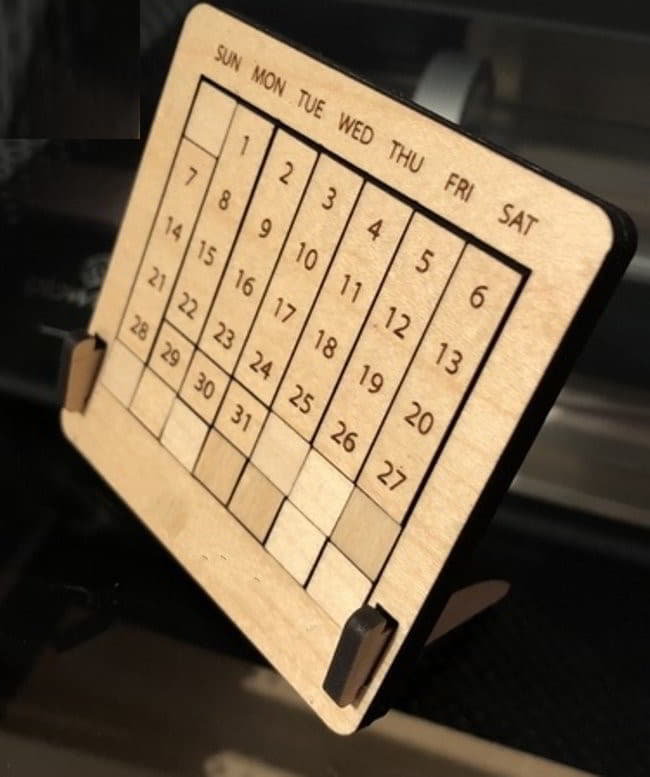
Laser Engraving Wooden Calendar Table Vector File free download

Laser Engraving Wooden Calendar Table Vector File free download

Summary

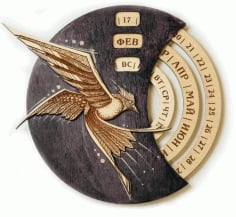
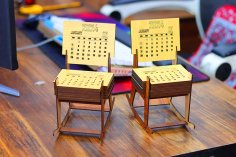
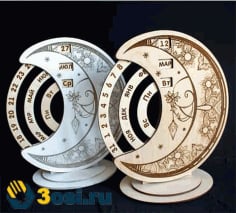
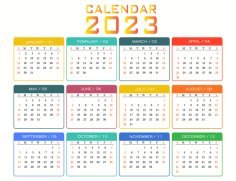
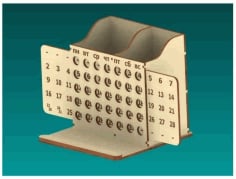
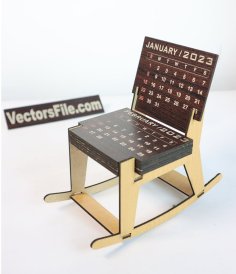
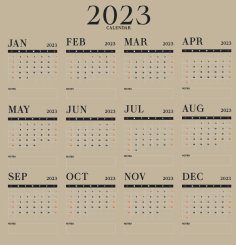
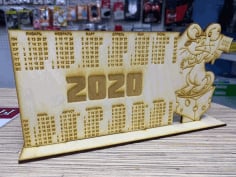
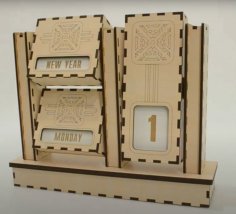
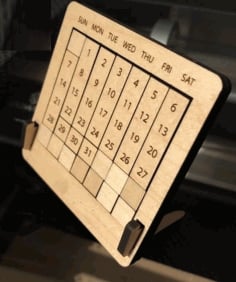
Looking for a unique way to keep track of the days while adding an artistic touch to your workspace? The “Laser Engraving Wooden Calendar Table Vector File free download” offers an innovative solution that combines functionality with aesthetic appeal. This vector file is perfect for those interested in laser engraving projects, allowing you to create a stunning wooden calendar that seamlessly fits into any decor. By utilizing high-quality engraving vector art, you can craft a personalized calendar that not only serves as a practical tool but also enhances the visual charm of your environment.

Whether you are a DIY enthusiast or a professional, this free download provides you with an easy entry into the world of wood engraving. The design is specifically tailored for laser engraving, ensuring that every intricate detail is captured beautifully on wood. Imagine the warm tones of natural wood paired with the precision of laser-cut techniques—this combination elevates your calendar from mere functionality to a piece of art. With the “Laser Engraving Wooden Calendar Table Vector File free download,” you can explore various engraving techniques, experiment with different types of wood, and create a calendar that reflects your personal style.

Moreover, downloading this vector file opens up endless possibilities for customization, allowing you to modify the design as per your preferences. Whether you’re planning to use it for personal use, gifts, or even as a unique product for your shop, this wooden calendar can be an excellent addition to your collection. Start your creative journey today with this amazing resource and transform the way you keep track of time!

License
Licensed under the VectorsFile.com Digital File License
✔ Personal & Commercial Use • ✔ Sell Physical Products • ✘ No Digital Resale or Sharing
Read Full License
Discover more related search queries
Explore More Ideas